
The word that identifies My 777
My 777 is the directory entry beginning with My. The three sevens also appear in YN 777, Spin 777 and Yono 777. If several icons contain a large number, the short first word carries most of the identifying information. A request for “my 777 app” could mean a person has forgotten an app name or could be a search for the product actually named My 777. The surrounding words help distinguish those two requests.
A useful way to clarify the phrase in conversation is to ask for the first word shown beneath the icon. “My” in a sentence usually identifies the speaker's possession. My in a product label stays the same no matter who is reading it. A person might genuinely say “my My 777 bookmark”. The first my belongs to the person; the second belongs to the title. Writing the product title in quotation marks can make a search note easier to read without altering its spelling.
Three places that can hold a favourite
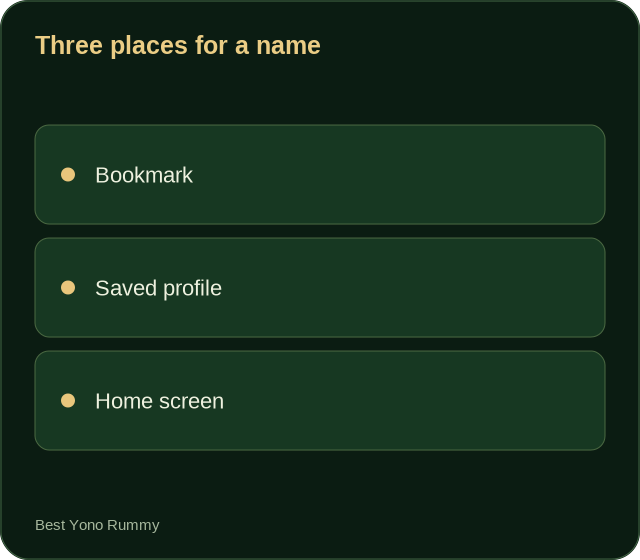
A browser bookmark stores an address. This directory's Saved button remembers an entry in the current browser. A phone's home screen may hold an installed application or a shortcut. These are three different collections, each with its own way to add or remove an item. Saving My 777 here gives you the directory profile again. It does not start a new account or place the app on the home screen.
Suppose a visitor makes a browser bookmark for All apps, saves the My 777 profile with the bookmark-shaped control inside the site and places a shortcut to the website on the phone's home screen. There are now three ways to return, but only one of them represents a saved catalogue profile. Deleting the home-screen shortcut leaves the browser bookmark intact. Removing the saved entry on the website changes the directory list. Keeping those actions separate prevents a routine clean-up from being misread as an uninstallation.
Assemble a comparison shelf
To compare My 777 with two other names, open each catalogue profile, read the complete title and save the ones you mean to revisit. Return to Saved and read the prefixes. A shortlist with My, Spin and YN beside the same three digits is easier to discuss than a screenshot full of icons with clipped captions. The profile page supplies the original spelling if a browser bookmark has been renamed.
Build a small shelf using the cards for My 777, Spin 777 and YN 777. Imagine the names on three pieces of paper. Move My 777 to the top when it becomes the one you intend to share, but leave the other two nearby as comparisons. On a written list, grouping all three under the heading “777 names” is fine. On a message to another person, send the particular title first. A group heading alone does not tell the other person which member you meant.
One useful extra field in a personal note is reason for saving. For My 777 the reason might be “check the word before the digits”. For Spin 777 it might be “compare the Spin family”. For YN 777 it might be “find the compact spelling”. Three different reasons give the shelf some memory without pretending that the site itself supports a notes feature. Plain paper or a personal note app is enough for the exercise.
A useful exercise is to write a shareable version of the shelf and a personal version. The shareable list contains the three public page names and addresses. The personal version can add the date you saved each and the reason you wanted to return. Sending only the first version is enough for another reader to find all three entries. It does not reveal which offers you opened, which apps may already be installed or anything about the contents of an external account.
Understand what a count measures
A saved counter normally answers a question about entries in a collection. It is not a player count, number of downloads or record of sessions. In a paper model with four distinct titles, saving an already selected title as a toggle can remove it. Writing down the set of saved names after each action shows why pressing the same button twice can bring the count back to its starting value.
Start the paper shelf empty. Add My 777: the count becomes one. Add Spin 777: it becomes two. Toggle My 777 again: only Spin 777 remains and the count falls to one. Add YN 777: the count becomes two, but the pair is now different from the first pair of two. This is why a screenshot of the number two cannot prove which two items were saved. The set of names contains more information than its size.
There is a second useful test. Toggle the same saved name twice, recording the set after each press. The final set returns to its starting contents if no other action intervenes. An ordinary hyperlink behaves differently: following it twice does not normally undo the first visit. The pressed state or label on a save control helps tell these interactions apart on a small screen before you act.
Separate a local list from a signed-in service
This catalogue keeps its favourites locally in the browser. If you open another browser or clear site data, the list you see may differ even when the public address is identical. That is expected for local storage. An account at an external service would have its own credentials and data policies. Sharing the URL of the My 777 profile shares a page; it does not share your private collection.
Consider two browsers on one phone, one used for a reading list and the other for a quick search. The person, device and page address can be identical while the locally stored shelves differ. The first browser may show three items and the second an empty list. Before diagnosing a missing favourite, check which browser opened the link. If a chat application opens links in an embedded browser, its storage context can also differ from the one used previously.
Private browsing provides another example of why device and browser state are different. A short-lived tab can display the same public My 777 heading as an ordinary tab while keeping a separate local collection. Closing that temporary session may remove its data according to the browser's settings. If the goal is simply to keep a public reference, writing the title and URL into a personal note gives you a copy independent of that temporary storage. Decide which kind of persistence you need before relying on a little saved icon.
Rebuild a shortlist after a device change
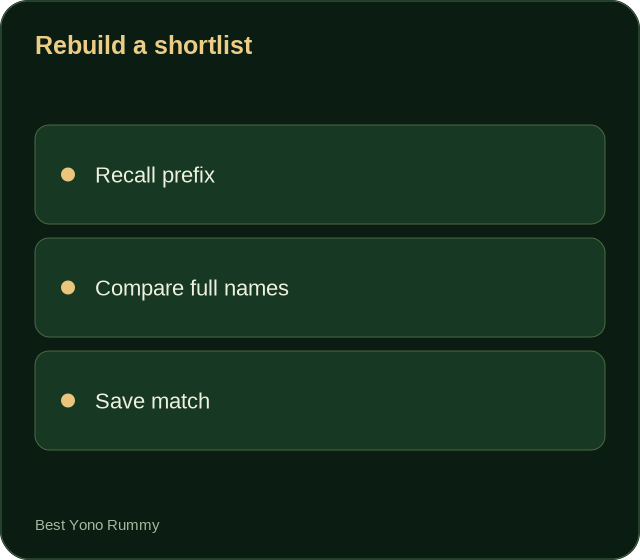
Start with the names you can remember and add their exact prefixes. Then look for those full strings in All apps. If only the number survives, write down the set of results and compare the icon, recorded source and full visible title. Retain uncertain matches as alternatives on paper while you check. Guessing a single match too early can make every later clue seem to fit the wrong app.
When rebuilding a shortlist, begin with what you know rather than with the icon you think looks most familiar. Write the certain part in ink and the uncertain part in pencil. A note with “777” in ink and “My?” in pencil makes the uncertainty explicit. Compare the cited source headings, then update the note when there is positive evidence. This method also prevents a search engine's first suggestion from replacing a genuinely remembered clue.
For a second recovery exercise, start with a message that says only “try the other seven one” next to a screenshot of two saved entries. Read any visible prefix on each card and note the position where the message pointed. A different sort order on another phone might reverse those positions. Converting “the other one” into an actual name, such as Spin 777, prevents the instruction changing meaning when it is forwarded. Position on a shelf is temporary; a correctly copied product title is a more stable reference.
Keep directory facts with their dates
The source linked from this card describes My 777 as a multi-game listing and records figures on its own page. Any amount here belongs to the dated source record. A personal saved list preserves the entry you chose. It is not a snapshot of an outside product's offer or inventory on the day you selected it. When an old message quotes a figure, look for its original date and heading.
For the My 777 record, the cited directory displayed a signup figure of ₹107 and a minimum withdrawal of ₹100. Preserve those headings and the source date when making a comparison. A difference of seven rupees does not describe a transferable amount, eligibility or an individual balance. These are two separately labelled figures from a third-party page. A saved profile lets you find the citation again without turning that observation into a promise.
Share a useful reference
Copying the public URL from the profile gives another reader the same starting point. A screenshot can help if it includes the full title and surrounding label, especially when a phone truncates the prefix beneath an icon. Remove notifications, account indicators and other personal information before sharing an image. For a simple name comparison, a two-line text message with the full names is often clearer than any screenshot.
An effective message might say: “The entry I meant is My 777, with My before the number. Here is its directory page.” If the other person asks whether it is the same as an app already on their device, they can compare their own visible title and publisher information. There is no need to exchange a sign-in code or a picture of a wallet for a name comparison. The task can be answered from much narrower information.
Continue beyond the saved page
The active Install app control opens a configured external offer through the project's local transition page. Its destination can differ from the app title you saved. Read the name and conditions on that destination before deciding whether it is the product you intended. Returning to the directory brings you back to the catalogue task: identifying My 777, keeping useful alternatives together and finding the source for a listed detail.
A visitor might press Back after reading an outside offer and see the catalogue again with the same My 777 card saved. That is an ordinary result of keeping the directory's local state while navigating away. It does not show that the destination received or used the list. Similarly, the destination displaying another product does not rename the saved card. The two pages have different owners of their data and should be read on their own terms.
Someone comparing the directory across two screens can repeat the same simple test with a harmless sample entry: save it, inspect the name in Saved, then remove it. This checks how that browser's local list behaves without interacting with an outside account or installation offer. It also makes the button's purpose explicit before using the feature to organise several similar 777 names.
Questions about My 777
Does saving My 777 here install an app?
Saving keeps the public directory profile in this browser's local collection. A bookmark, a home-screen shortcut and an external installation action each serve a different purpose.
Why is the My 777 saved list different in a second browser?
Each browser can maintain separate local site data. Open the browser in which you saved the entry or share the public profile address to find it elsewhere.
Which part of the My 777 name should I include when sharing it?
Include My before the three sevens. Spin 777, YN 777 and Yono 777 have different prefixes, so a message containing only the number leaves several possibilities.
Source notes
Listing reference: app-name directory.